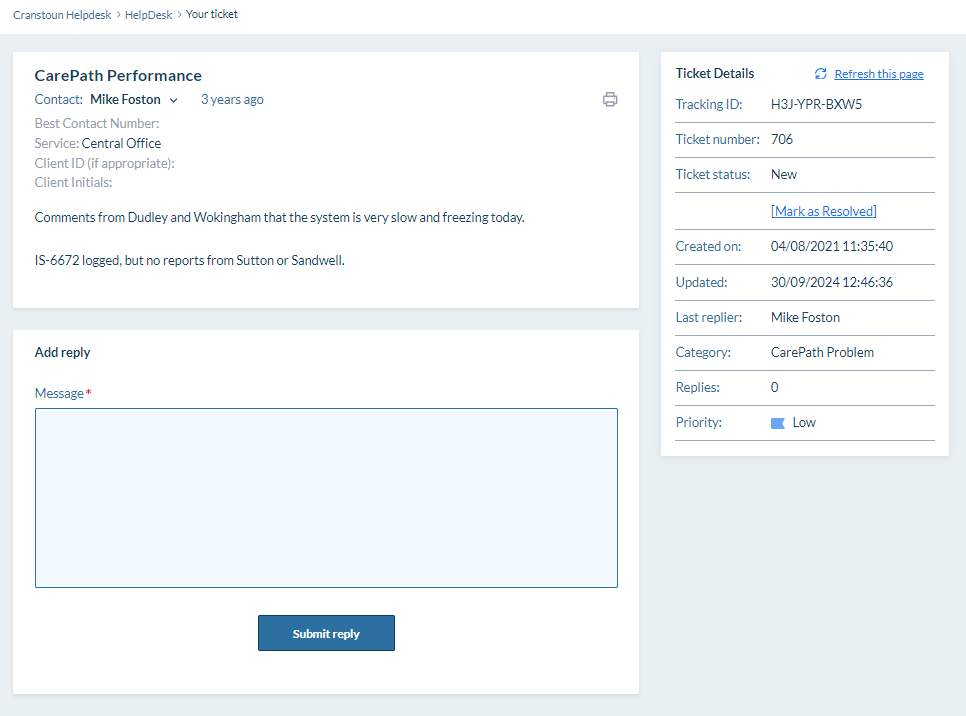
If you think you already have an open Helpdesk ticket or want to check its details, follow this process.
- Go to the CMS Helpdesk.
- Click the View Existing Tickets button.

- If you know the ticket's tracking ID (for example, #R8H-YWH-5M35), enter it and click "view ticket."
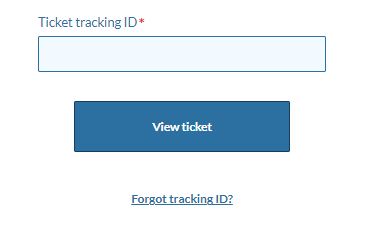
- If you don't know your ticket ID, click the "Forgot tracking link?" message on the screen.
- Enter your email address, and choose whether you want to receive only open ticket references or all your ticket references.
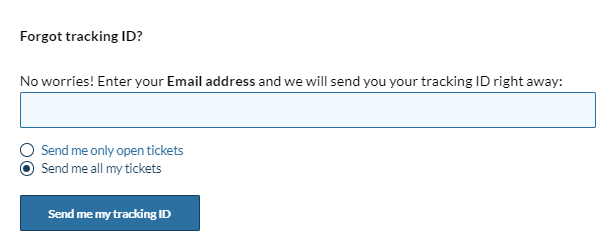
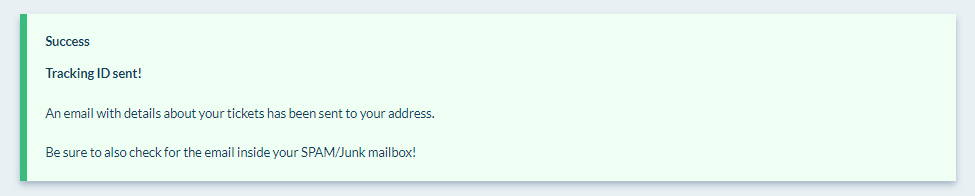
- Click the "Send me my tracking ID" button, and you will receive an email with all the tracking ID's in it.
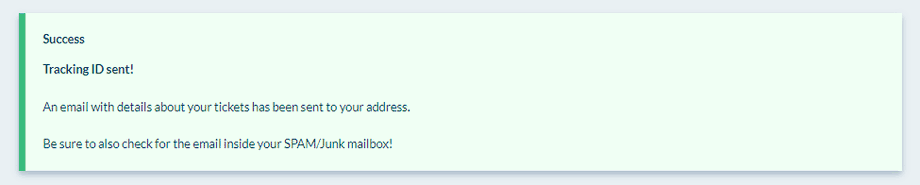
- Your email will contain the relevant tickets and their reference numbers, along with links to allow you to view the tickets easily.
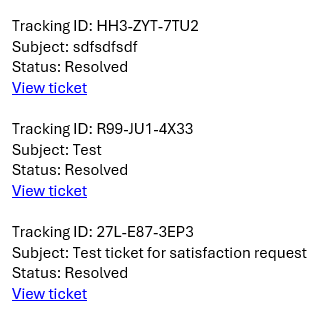
- Click the link for the ticket(s) you wish to view.
- If your ticket is still open, you can add a reply with more information and click "Submit reply."
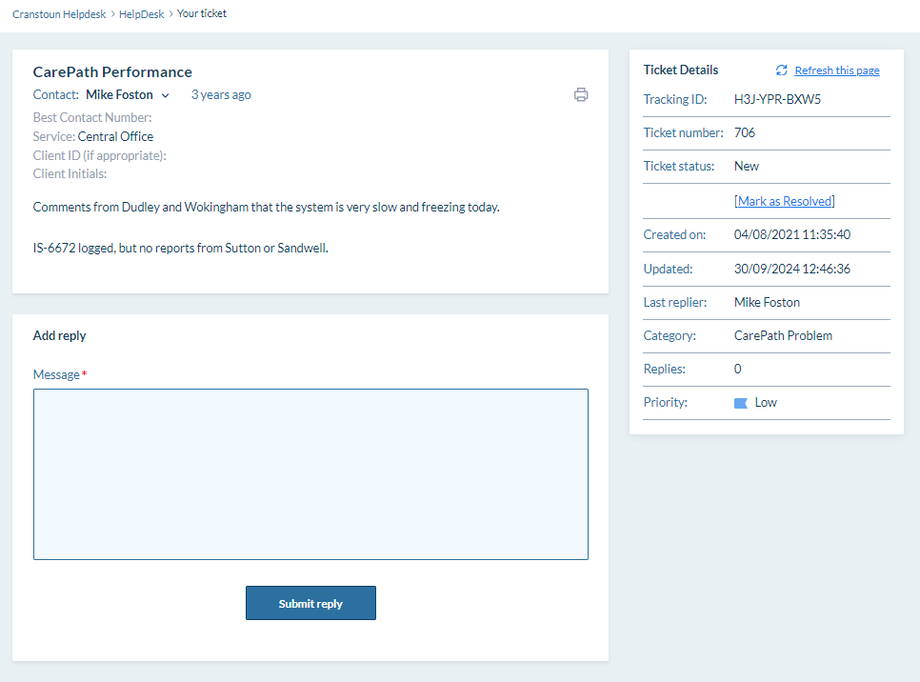
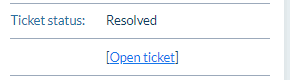
- If your ticket has already been closed, you may need to click the Open Ticket link on the right-hand side to allow you to add a reply.
We try to respond to Helpdesk tickets as soon as possible; however, it may take several days to respond at specific times. Most Helpdesk tickets get a response and are fixed within 24 hours.